

Quick Reference for AI Agents & Developers
- Custom Text Formatter → CometChatTextFormatter
- Message Composer → CometChatMessageComposer
Overview
TheShortCutFormatter class extends the CometChatTextFormatter class to provide a mechanism for handling shortcuts within messages. This guide will walk you through the process of using ShortCutFormatter to implement shortcut extensions in your CometChat application.
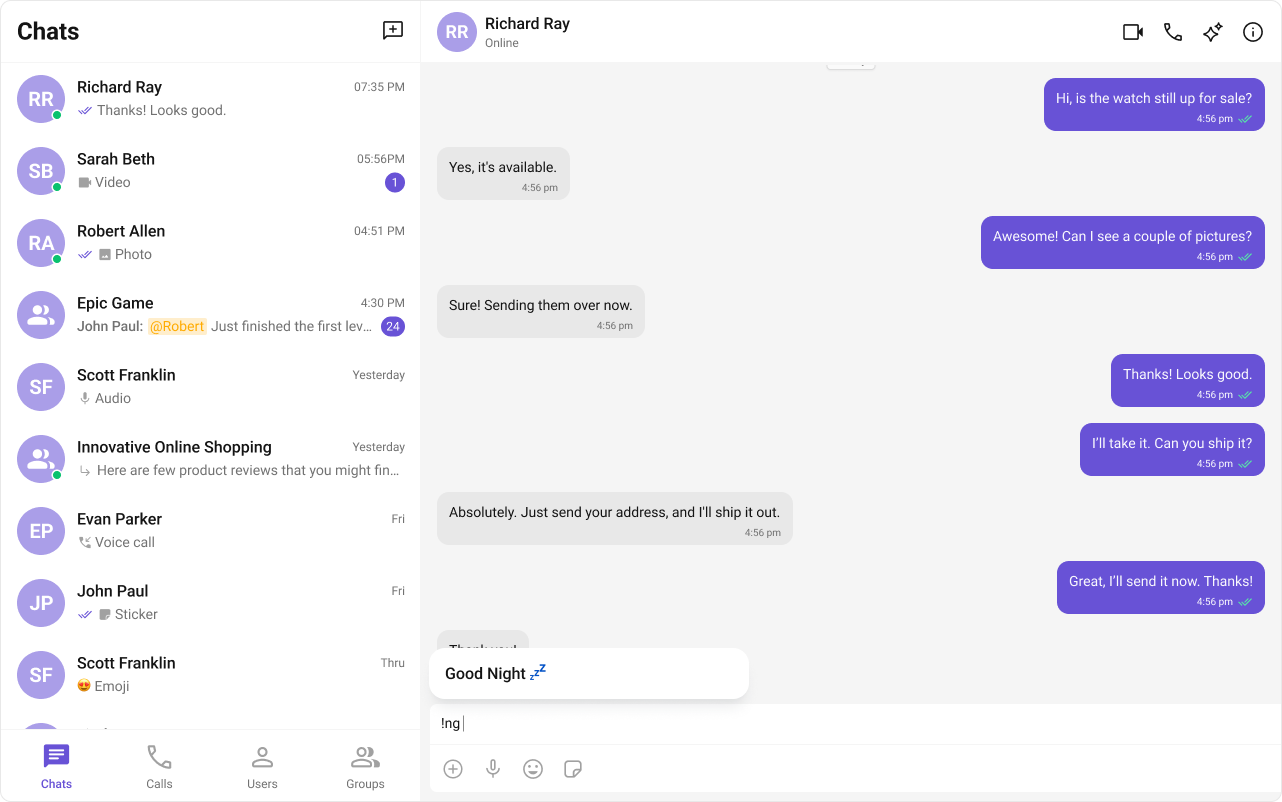
Usage
Here are the steps to create aShortCutFormatter for CometChat using the CometChatTextFormatter:
- Firstly, you need to import
CometChatTextFormatterfrom the CometChat UI Kit react library.
- Now, extend the
CometChatTextFormatterclass to create your custom text formatter class. In this case, let’s create aHashTagTextFormatter.
- Set up the
trackCharacterand define any necessary private fields.
- Implement the
onKeyDownmethod to handle key events and trigger actions based on defined shortcuts.
- Implement any additional methods required for your custom formatter, such as opening and closing dialogs, handling button clicks, and formatting text.
Example
Below is an example demonstrating how to use a custom formatter class in components such as CometChatConversations, CometChatMessageList, CometChatMessageComposer.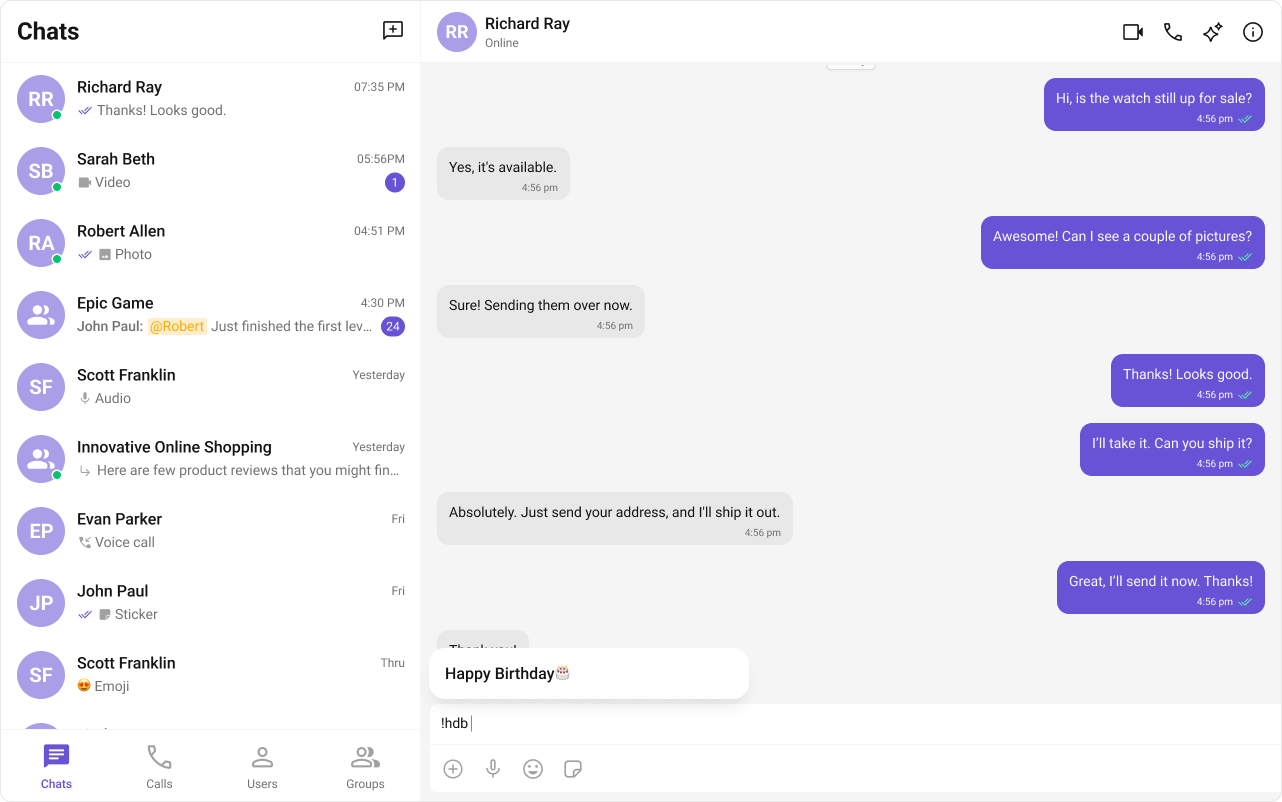
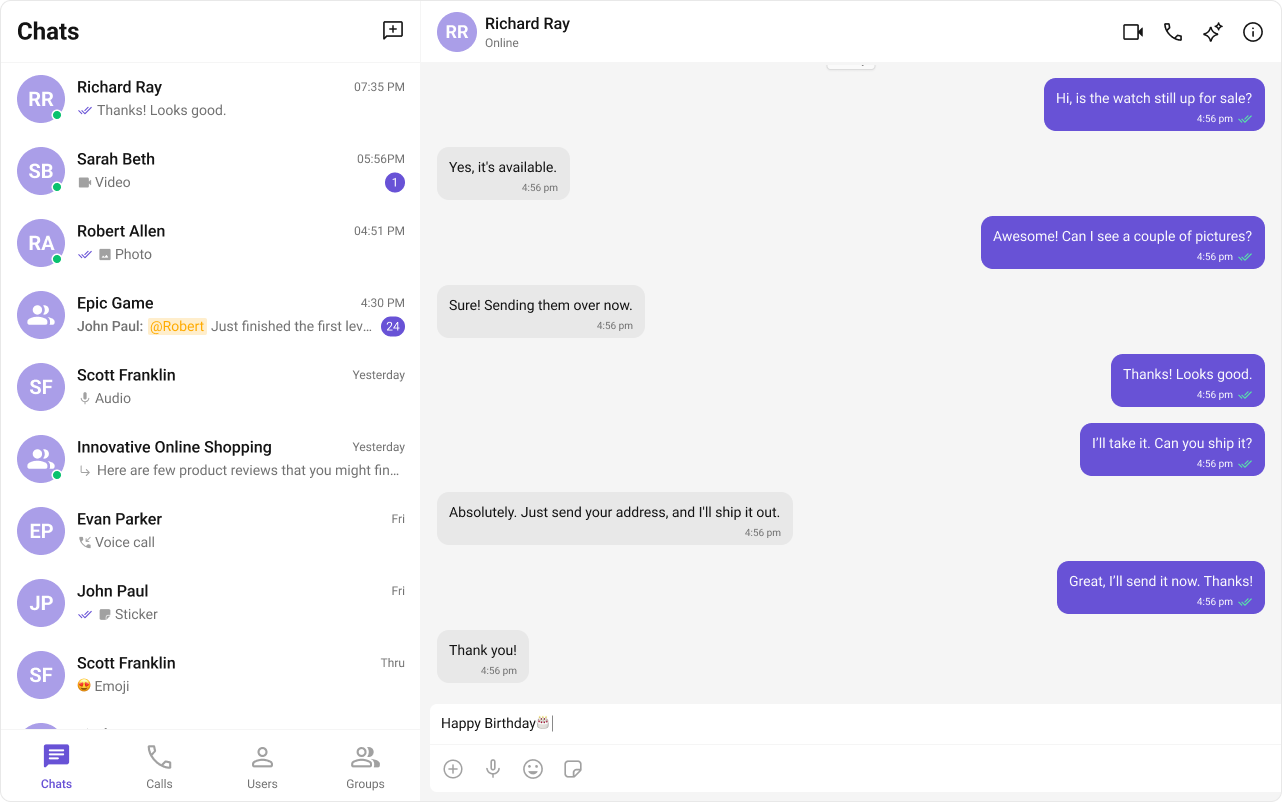
- ShortCutFormatter.ts
- Dialog.tsx
- ConversationDemo.tsx